

CLI Reference
Command-line interface for Cactus LLM completion, transcription, and function calling
The Cactus CLI provides a command-line interface for running AI models locally.
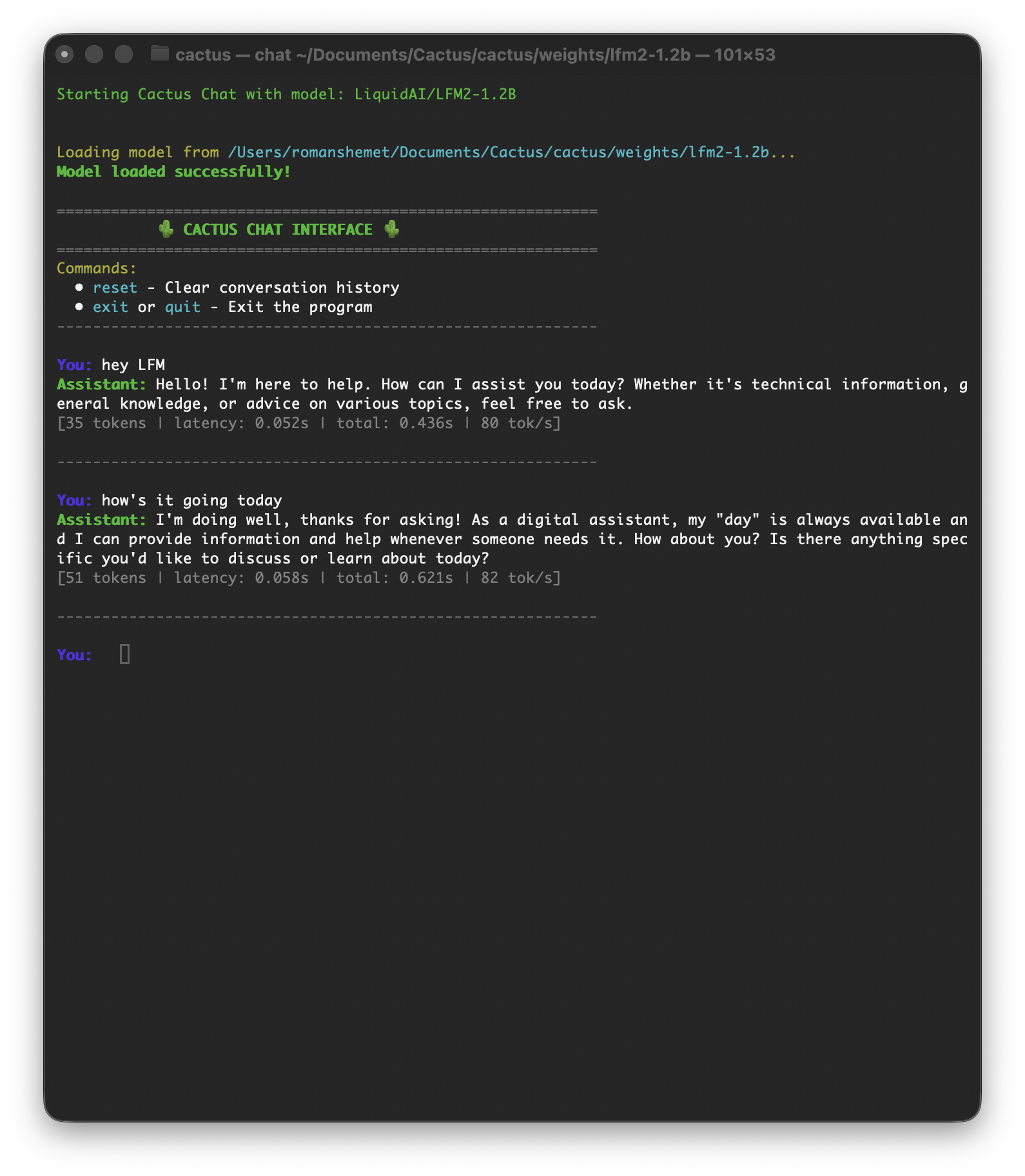
cactus run
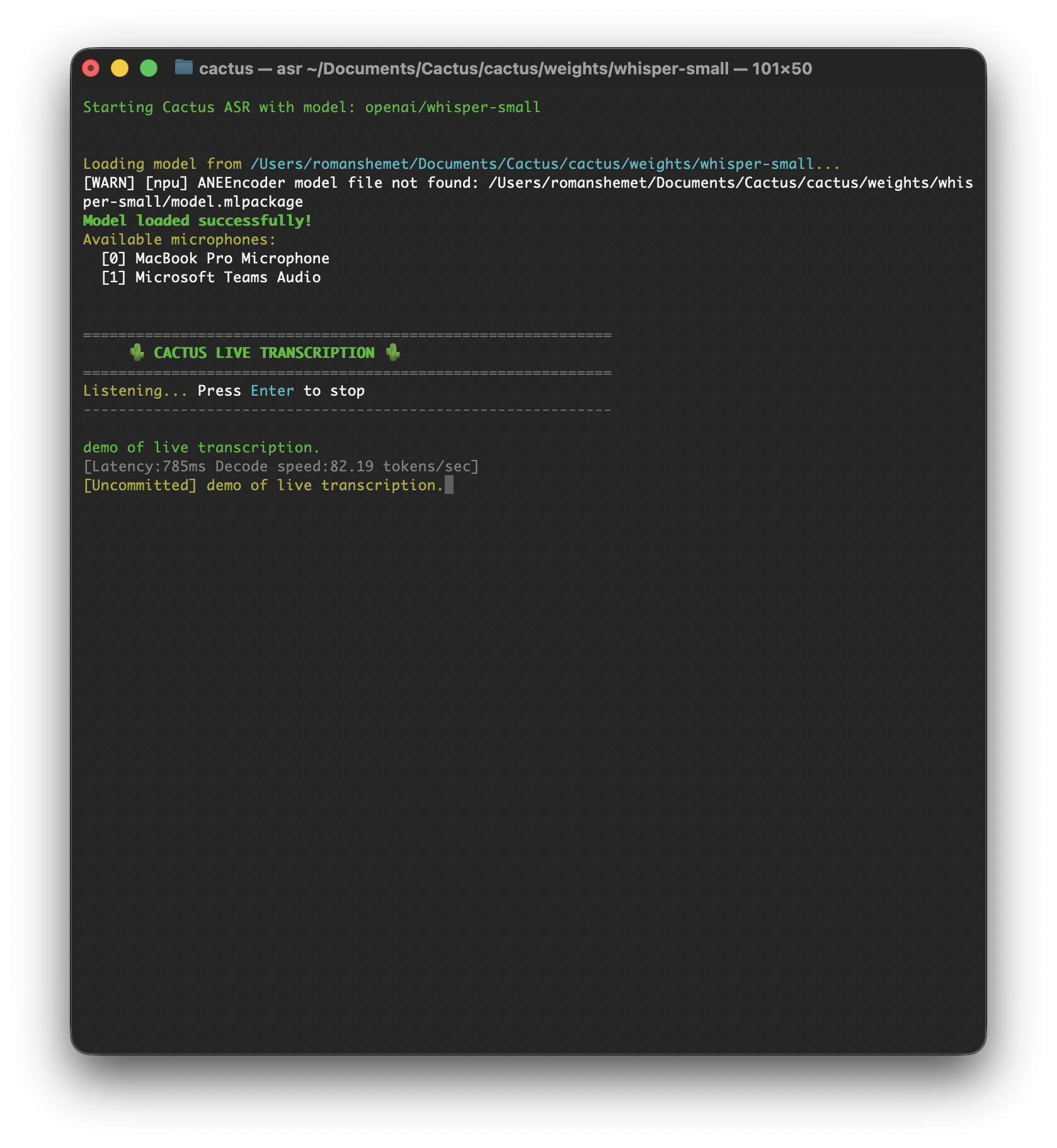
cactus transcribe
Installation
git clone https://github.com/cactus-compute/cactus && cd cactus && source ./setupsudo apt-get install python3 python3-venv python3-pip cmake build-essential libcurl4-openssl-dev
git clone https://github.com/cactus-compute/cactus && cd cactus && source ./setupCommands
| Command | Description |
|---|---|
cactus run [model] | Opens interactive playground (auto-downloads model) |
cactus download [model] | Downloads model weights to ./weights |
cactus convert [model] [dir] | Converts model to .cact format, supports LoRA merging via --lora <path> |
cactus build | Builds native libraries for ARM (--apple or --android) |
cactus test | Runs tests with platform/model flags (--ios, --android, --model, --precision) |
cactus transcribe [model] | Transcribe audio file (--file) or live microphone input |
cactus clean | Removes build artifacts |
cactus --help | Shows all available commands and flags |
Download Models
# Download a model for offline use
cactus download LiquidAI/LFM2.5-1.2B-Instruct

# Models are stored in ./weights/
LoRA Fine-tuning
# Convert a model with LoRA adapter
cactus convert LiquidAI/LFM2-350M ./output --lora path/to/lora
Testing
# Test on iOS simulator
cactus test --ios --model LiquidAI/LFM2-350M

# Test on Android with specific precision
cactus test --android --model google/gemma-3-270m-it --precision int8